A Beginner’s Guide to Streaming on Twitch
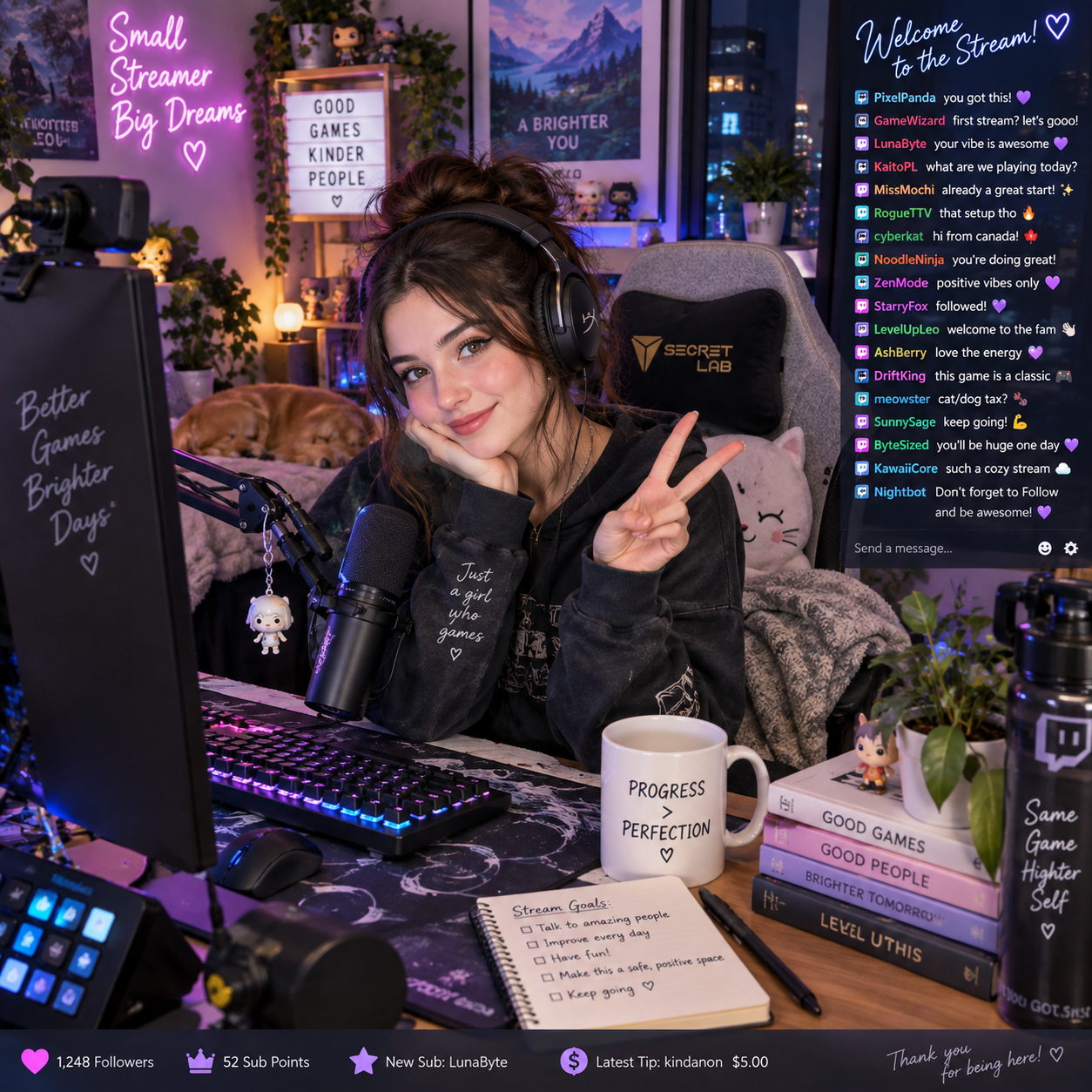
Starting a Twitch stream can seem technical, but the basic process is manageable: create a Twitch account, prepare your equipment, connect streaming software, and test everything before going live. For gaming creators, Twitch offers a place to share gameplay, commentary, tutorials, esports discussions, and carefully presented online casino content with an audience in real time.
Your first stream does not need a professional studio. Clear audio, reliable internet, respectful interaction, and a simple content idea matter more than expensive decorations. This guide explains the setup from beginning to end, including practical considerations for online casino gameplay and responsible gambling communication.
What Is Twitch Streaming?
Twitch streaming is live video broadcasting through the Twitch platform, usually with gameplay, voice commentary, and an interactive chat. Viewers watch in real time and can respond through messages, emotes, follows, subscriptions, or other platform features.
Twitch became popular through video game streaming, but channels now cover creative work, music, esports, gaming news, tutorials, and selected casino-related entertainment. A streamer combines a video source, microphone, optional webcam, and on-screen layout into one live broadcast.
The format is more interactive than a recorded video. You can answer a viewer’s question immediately, explain a strategy, react to an unexpected result, or invite the audience to help choose the next game. That interaction also creates responsibility: viewers may interpret confident commentary as advice, particularly during online casino gameplay.
For casino streams, keep the purpose clear. Present the broadcast as entertainment, disclose sponsorships or affiliate relationships, avoid claims that gambling provides reliable income, and follow the laws and platform rules that apply to your location and audience.
What You Need to Start Streaming
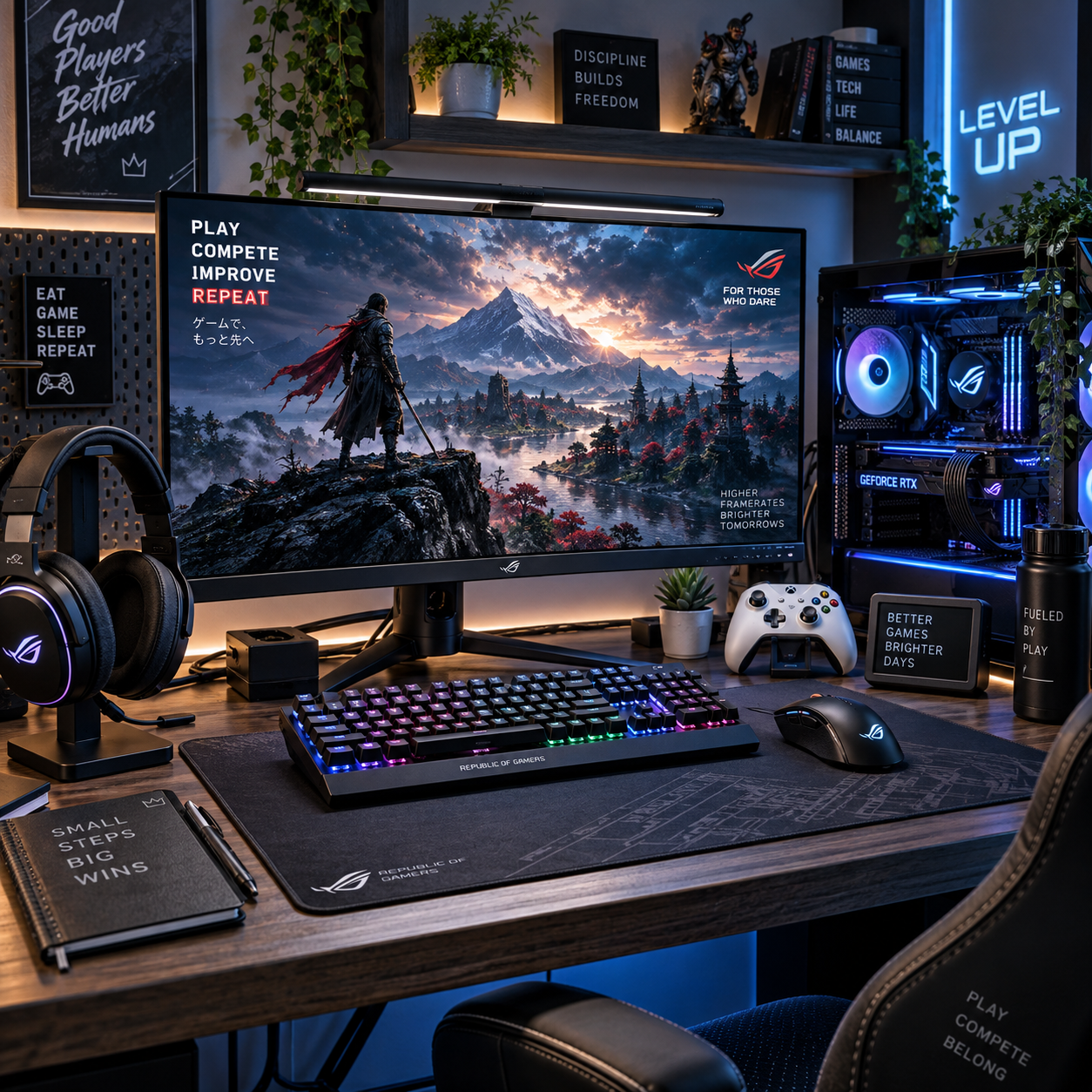
To start streaming, you need a Twitch account, a gaming PC or console, a stable internet connection, streaming software, and a usable microphone. A webcam is optional, while better lighting and a second monitor can improve convenience.
Essential equipment
- Gaming PC or console: A PC can run the game and broadcast software together, while a modern console can often stream directly or send gameplay through a capture card.
- Webcam and microphone: Viewers can tolerate an ordinary camera, but muffled or echoing sound quickly becomes tiring. Prioritize a USB microphone or a good headset mic before upgrading your camera.
- Stable internet: Use wired Ethernet when possible. Wi-Fi can work, but distance, household traffic, and interference may cause dropped frames or interruptions.
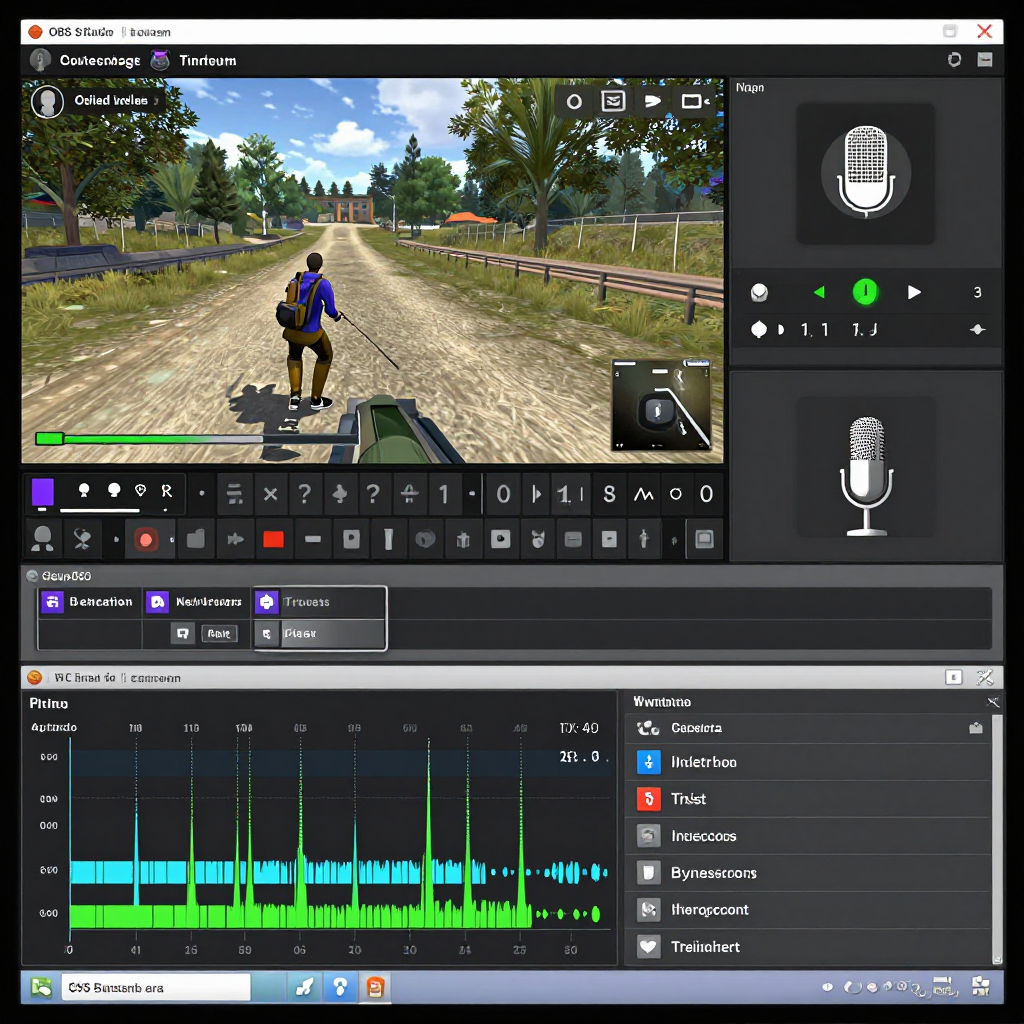
- Streaming software: OBS Studio is a widely used free option for Windows, macOS, and Linux. It lets you combine gameplay, camera footage, alerts, text, and audio sources.
Run a private test before your first public broadcast. Check whether your game remains smooth while the stream is active, whether your voice is louder than the game, and whether notifications reveal private information. A modest setup that works reliably is more useful than a powerful setup that has not been tested.
Optional accessories include a ring light, headphones, a second monitor, a capture card, and a microphone arm. They can improve workflow, but they are not prerequisites. Choosing low-cost equipment protects your budget; the trade-off is that you may need more careful positioning and audio adjustment.
How to Set Up Your Twitch Channel
To set up a Twitch channel, create a Twitch account, choose a recognizable identity, complete your profile, and configure basic safety and branding settings. Keep your first version simple so you can start publishing instead of endlessly redesigning the channel.
- Create your Twitch account with a strong password and enable available security protections, including two-factor authentication where appropriate.
- Choose a channel name that is easy to read, pronounce, and remember. Avoid using your full name, home address, workplace, or other personal details.
- Add a profile image, short biography, social links you genuinely use, and a clear description of your content.
- Prepare panels or profile text explaining your schedule, community rules, business disclosures, and the type of gaming content viewers can expect.
Your channel identity should match your subject. A general gaming channel can rotate between several titles, while a niche channel might focus on strategy games, live reviews, casino-game entertainment, or gaming news. Do not imply expertise you do not have, and clearly separate personal opinions from professional or financial advice.
Before adding links, inspect every destination. Affiliate links, sponsorships, promotional codes, and paid partnerships should be disclosed in plain language. For gambling-related content, also check age restrictions, licensing requirements, and local advertising rules before promoting an operator or product. The U.S. Federal Trade Commission’s disclosure guidance provides a useful general reference for sponsored social content.
How to Stream on Twitch Step by Step
To stream on Twitch, connect your Twitch account to streaming software, build a scene, select the correct category, test your broadcast, and then start streaming. OBS Studio provides a straightforward beginner workflow.
- Install OBS Studio: Download it from the official OBS Project website and run the automatic configuration wizard. Select settings that suit your computer and connection.
- Connect Twitch: In OBS, open the stream settings and connect your Twitch account or use the required stream credentials. Keep those credentials private.
- Create a scene: Add a game capture source for PC gameplay, a capture-card source for console gameplay, or a webcam source for a talking stream. Add your microphone and desktop audio separately if possible.
- Arrange the layout: Keep the game visible and place the webcam, alerts, and chat-related elements where they do not cover important information. Avoid displaying private messages, email addresses, or payment details.
- Set stream details: Choose an accurate title, select the relevant category, add appropriate tags, and mark content accurately. A specific title such as “Learning blackjack rules with a fixed entertainment budget” is clearer than “Come win big.”
- Test audio and video: Record a short local sample or use a restricted test. Listen for echo, keyboard noise, music copyright issues, distorted sound, and unbalanced volume.
- Go live: Start the stream in OBS, confirm the preview and category on Twitch, then greet viewers and explain what they will see.
Use a short pre-stream checklist: internet connection, microphone, game capture, camera framing, lighting, title, category, privacy, and moderation tools. This takes less than five minutes once it becomes routine and prevents many avoidable interruptions.
Tips for Creating Engaging Gaming and Casino Streams
Engaging gaming and casino streams give viewers a clear reason to stay, respond to chat, and return for the next broadcast. Commentary, consistency, accurate categories, and honest presentation create a stronger foundation than flashy overlays alone.
Talk through decisions instead of waiting silently for something exciting to happen. Explain what you are trying, what went wrong, and what you learned. During a strategy game, describe your plan. During online casino gameplay, explain the rules and the entertainment budget without presenting outcomes as predictable.
- Ask specific questions: Invite viewers to choose between two games, suggest a challenge, or discuss a mechanic.
- Use a realistic schedule: Streaming on predictable days helps viewers know when to return. A manageable two-hour weekly stream is better than an ambitious schedule you abandon.
- Choose accurate categories: Select the game or category that genuinely matches the broadcast. Misleading labels create poor expectations and can damage trust.
- Keep titles informative: State the activity, challenge, or topic. Avoid guaranteed-win language and exaggerated claims.
- Build repeatable segments: A welcome, main activity, viewer questions, and closing summary give the stream an easy rhythm.
Casino content needs extra transparency. State that gambling outcomes are uncertain, never encourage viewers to chase losses, and avoid framing wins as evidence of a system. If a stream includes sponsored gameplay, free-play credits, affiliate links, or a promotional arrangement, disclose it before viewers make decisions based on the content.
Safety, Moderation, and Responsible Casino Content
Safe Twitch streaming requires clear chat rules, active moderation, privacy protection, and responsible gambling messages where casino content appears. The streamer remains responsible for setting the tone even when moderators help manage the conversation.
Use Twitch’s built-in moderation features, appoint trusted moderators when your audience grows, and prepare blocked terms for harassment, personal information, slurs, and unsafe gambling claims. Slow mode, follower-only chat, timeouts, and bans can reduce disruption. Moderation should be consistent rather than dependent on whether a viewer is popular or financially supportive.
Protect your privacy
- Hide desktop notifications, private messages, account numbers, and browser tabs before capturing your screen.
- Use a separate email address for public creator business where practical.
- Do not reveal your home location, daily routine, travel plans, or documents on camera.
- Review bot and moderator permissions regularly.
Keep casino content responsible
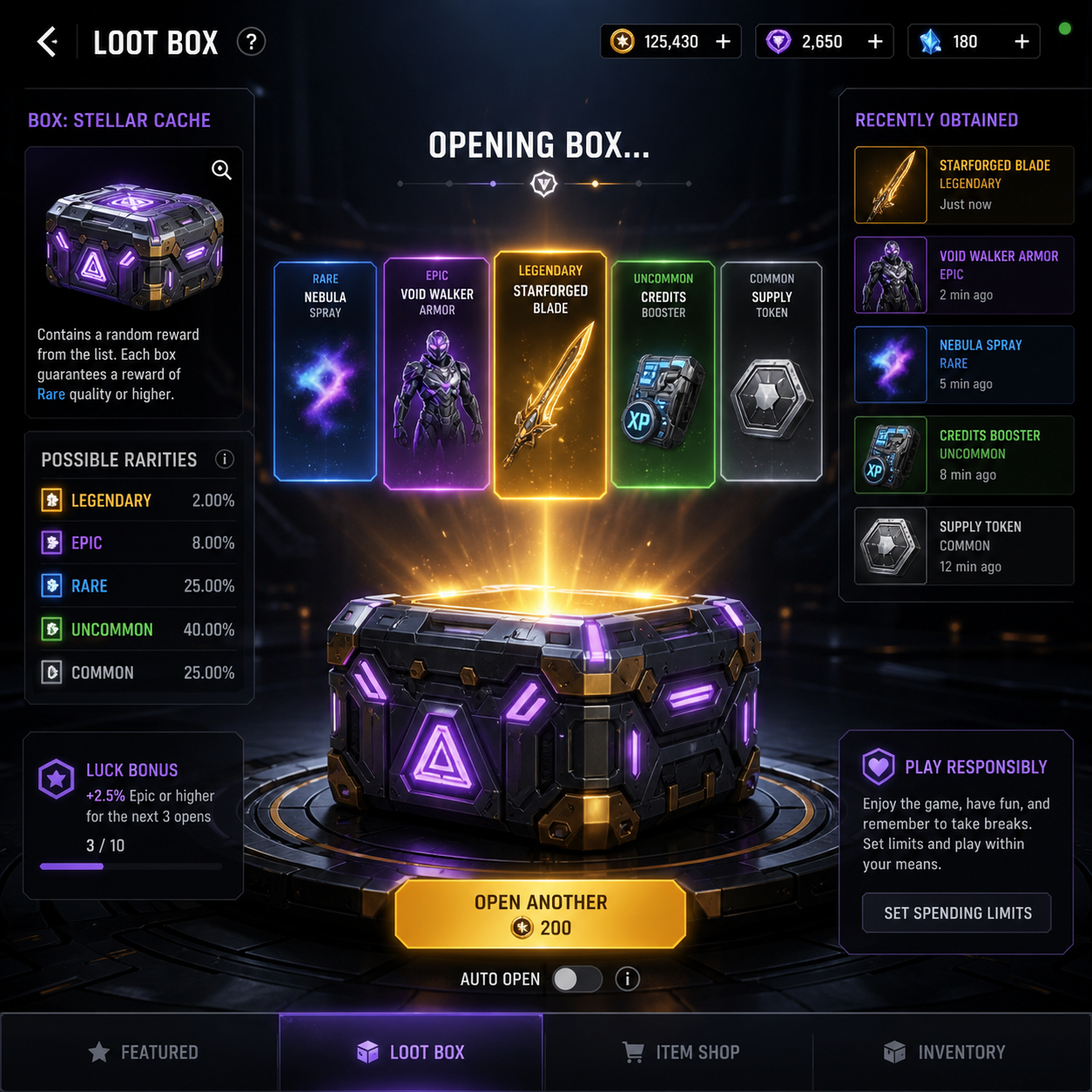
Online casino gameplay should be age-appropriate, jurisdiction-aware, and compliant with applicable laws and platform requirements. Do not target minors, encourage illegal access, suggest that gambling is a solution to debt, or advise viewers to recover losses by wagering more. A responsible stream can display a fixed entertainment budget, planned stopping points, and reminders that no strategy guarantees a result.
Entertainment and gambling advice are different. Explaining how a game works is educational; telling viewers that a particular bet will win is misleading. If gambling feels difficult to control, viewers should seek help from a qualified local support service rather than relying on a streamer or chat community.
How to Improve Your Twitch Streams Over Time
Improve your Twitch streams by reviewing each broadcast, fixing the largest problem first, and repeating a sustainable content plan. Small improvements to sound, pacing, and viewer interaction usually matter more than buying every new accessory.
After each stream, write down three observations: what held attention, where the broadcast slowed down, and what technical issue appeared. Review available Twitch analytics carefully, but do not treat any single number as a verdict on your potential. Viewer count can vary because of timing, topic, competing events, and ordinary randomness.
Use a simple improvement cycle:
- Measure: Note average viewers, chat activity, follows, technical interruptions, and the moments viewers mentioned positively.
- Diagnose: Decide whether the main weakness is audio, unclear content, long pauses, weak titles, or inconsistent scheduling.
- Change one or two things: For example, move the microphone closer, shorten the introduction, or prepare three discussion prompts.
- Recheck: Apply the change across several streams before deciding whether it helped.
Ask regular viewers for precise feedback: “Was the microphone clear?” is more useful than “Did you like the stream?” You can also create short clips from strong moments, provided they respect copyright and privacy. Keep your schedule realistic, protect your energy, and let the channel develop around content you can responsibly produce for months.
Frequently Asked Questions
What equipment do I need to stream on Twitch?
You need a Twitch account, gaming PC or console, stable internet, streaming software, and a microphone. A webcam, lighting, capture card, and second monitor are optional.
Can I stream from a console?
Yes. Many consoles support direct Twitch broadcasting. A capture card and computer provide more control over scenes, overlays, alerts, and audio, but they are not required for a basic console stream.
Which software is best for beginner Twitch streamers?
OBS Studio is a strong beginner choice because it is free, widely documented, and flexible. Console-native broadcasting may be easier for a first test, while other software may offer simpler guided layouts.
How can I moderate my Twitch chat?
Set clear rules, use Twitch moderation tools such as slow mode and timeouts, block harmful terms, and appoint trusted moderators as activity increases. Protect personal information and remove harassment quickly.
What should I consider when streaming online casino gameplay?
Check platform and local requirements, use accurate age and category labels, disclose sponsorships, avoid guaranteed-win claims, and include responsible gambling messaging. Never present gambling as income, debt recovery, or a predictable investment.